
How to Check Apple Serial Numbers & Warranty Locally
Whether you just bought a new Apple device or you’re considering a pre-owned one, checking the serial number and warranty status is a smart move. It helps confirm the authenticity of your device and shows if it’s still under Apple’s warranty or eligible for support. Here’s how you can easily check your Apple serial number […]
How to Set Up HomeKit with Your Apple Devices
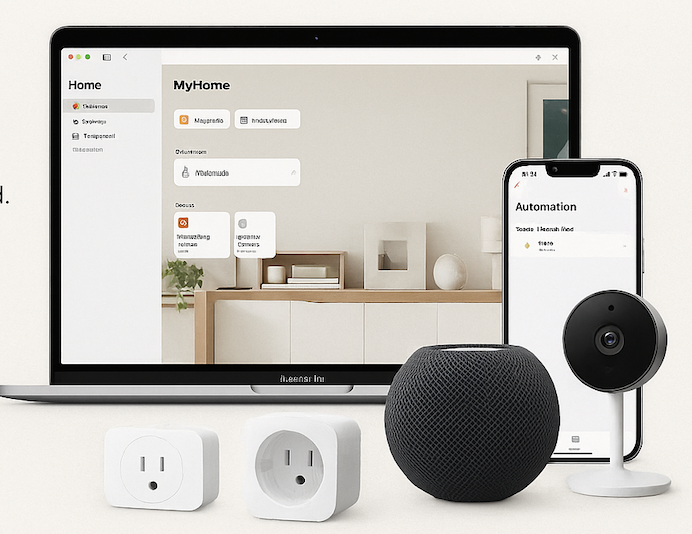
Imagine walking into your home and having the lights turn on automatically, your thermostat adjust to the perfect temperature, and your favorite playlist start playing—without lifting a finger. That’s the magic of Apple HomeKit, Apple’s smart home platform that brings automation, security, and convenience to your fingertips. If you’re an Apple user, setting up HomeKit […]
Sharing Printers & Scanners Across Apple Devices
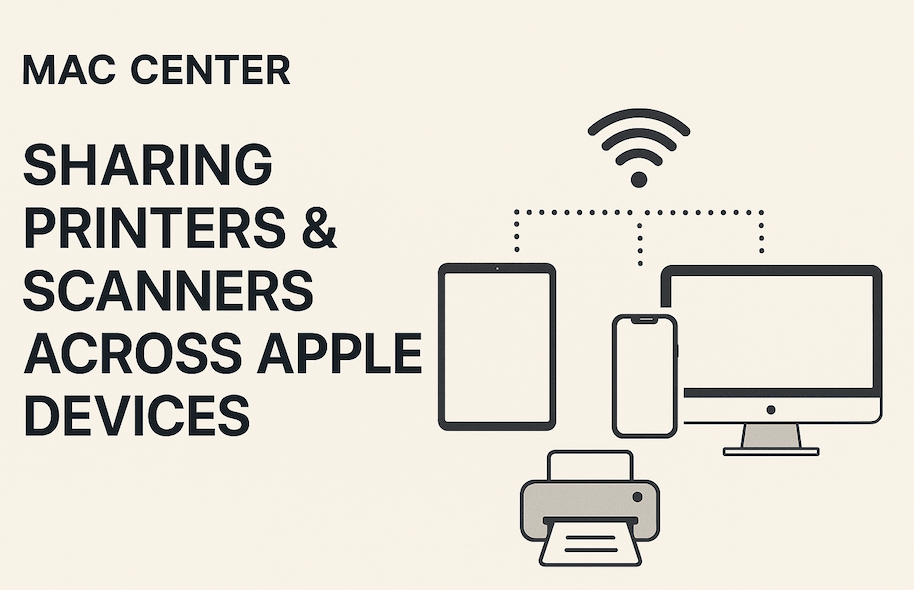
In today’s connected world, convenience matters—and Apple gets that. One of the best examples of this seamless ecosystem is how easy it is to share a single printer or scanner with multiple Apple devices, whether you’re at home or in the office. Whether you’re printing from a MacBook in the study, scanning a document from […]
How to Tell If Your iPhone Battery Needs Replacing
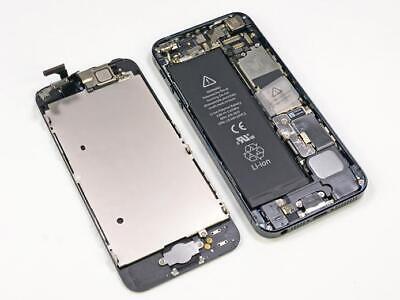
Your iPhone is a powerhouse — but even powerhouses slow down when their batteries start to age. Over time, your battery’s performance naturally declines, and that can affect everything from how long your phone lasts during the day to how fast it runs. So how can you tell when it’s time to stop charging and […]
How to Manage iMessage Storage Bloat
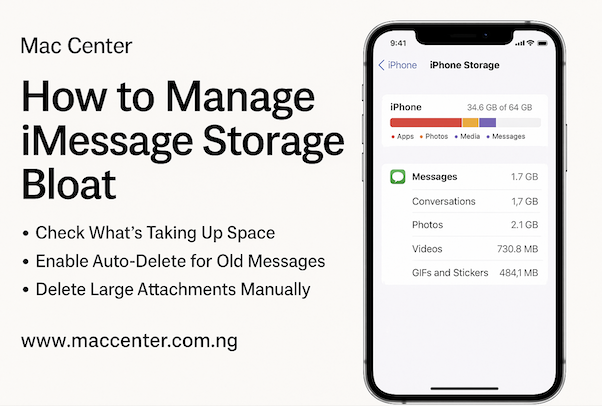
If your iPhone suddenly feels sluggish, or you’re constantly getting that dreaded “Storage Almost Full” notification, your iMessage app could be a sneaky culprit. iMessage is great for staying in touch, but over time, all those photos, videos, voice notes, and GIFs you share with friends and family can start piling up — quietly eating […]