
Top 10 macOS Tips You Aren’t Using
macOS is one of those operating systems that quietly does a lot more than most users realize. Many Mac owners use their devices every day for work, school, creativity, and entertainment—but still scratch only the surface of what macOS can do. If you’ve ever felt like your Mac could be faster, smarter, or just a […]
Hidden Gestures Every iPhone User Should Know
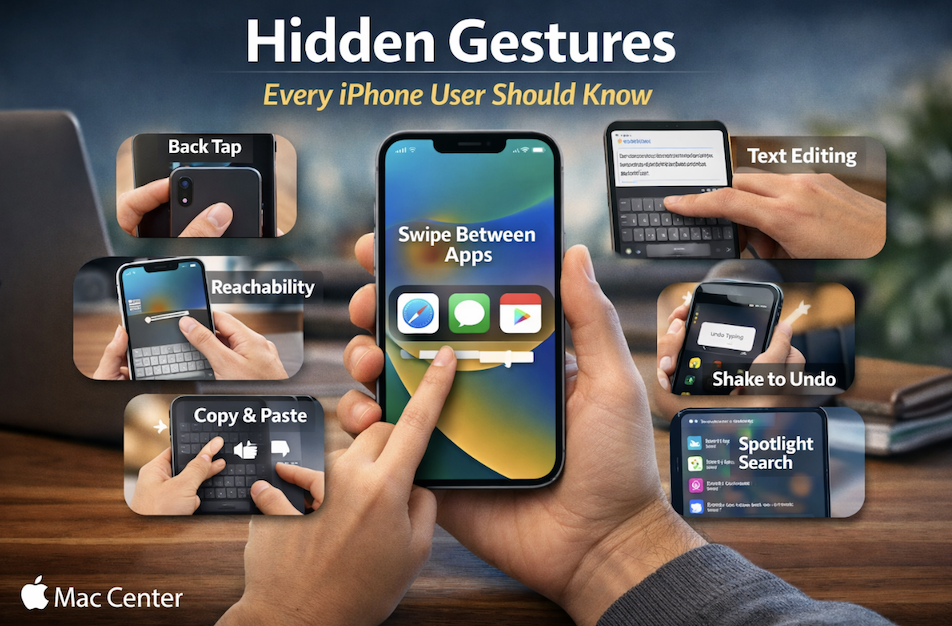
Your iPhone can do a lot more than most people realize—and no, we’re not talking about flashy apps or hidden menus buried deep in Settings. Some of the most powerful iPhone features are simple gestures that work quietly in the background. As an iPhone user, once you learn them, they feel like shortcuts straight to […]
iOS Secrets Apple Doesn’t Tell You

Apple’s iPhone is famous for being “simple to use,” but behind that clean, friendly interface is a surprising number of powerful features Apple rarely talks about. Some are hidden deep in Settings, others are quietly built into apps you use every day. Once you discover them, your iPhone suddenly feels smarter, faster, and more personal. […]
DIY vs Professional: When to Repair Apple Devices
Apple devices are known for their sleek design, powerful performance, and long lifespan—but like all technology, they’re not immune to wear and tear. From cracked screens and battery issues to software glitches and accidental spills, every Apple user eventually faces a repair decision. The big question is: Should you fix it yourself or take it […]
iPads That Changed How We Work and Create

There was a time when “real work” meant sitting behind a desk with a bulky laptop or desktop computer. Creativity, too, felt tied to studios, offices, and fixed spaces. Then the iPad arrived—and quietly rewrote the rules. Over the years, Apple’s iPads have evolved from simple consumption devices into powerful tools that have changed how […]
Best Practices for Email Management on Apple Devices

Email is still one of the most important tools for work and personal communication. On Apple devices—Mac, iPhone, and iPad—the built-in Mail app and other email clients offer powerful features that can help you stay organized, responsive, and stress-free. The key is knowing how to use them well. Here are some practical, real-world best practices […]
How to Encrypt Sensitive Data on Mac & iPhone
Knowing how to Encrypt Sensitive Data on Mac and iPhone is very important in a world where our phones and computers hold everything from personal photos to banking details, protecting sensitive data is no longer optional—it’s essential. The good news? Apple has built powerful, easy-to-use encryption tools right into your Mac and iPhone. You don’t […]
Tips on Preventing Common Apple Device Damage
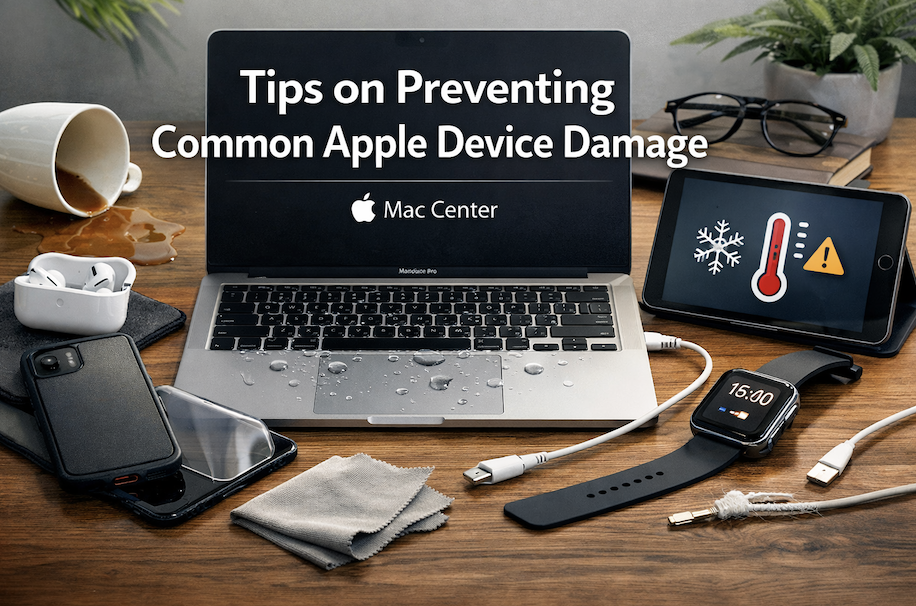
Apple devices are beautifully designed, powerful, and built to last—but they’re not indestructible. From cracked screens to liquid damage and battery issues, many of the most common Apple device problems are preventable with a little care and awareness. Whether you’re using an iPhone, iPad, MacBook, or Apple Watch, these simple tips can help you protect […]
Best Practices for Protecting Your Apple Device Screens
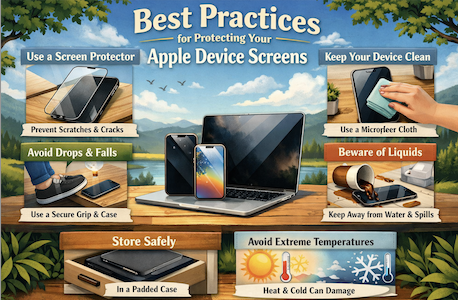
Your Apple device’s screen is one of its most valuable—and vulnerable—components. Whether it’s the vibrant display on your iPhone, the expansive Retina screen on your MacBook, or the crisp clarity of your iPad, a damaged screen can quickly turn a premium device into a frustrating experience. The good news? With a few smart habits and […]
How to Diagnose a Failing Mac Hard Drive
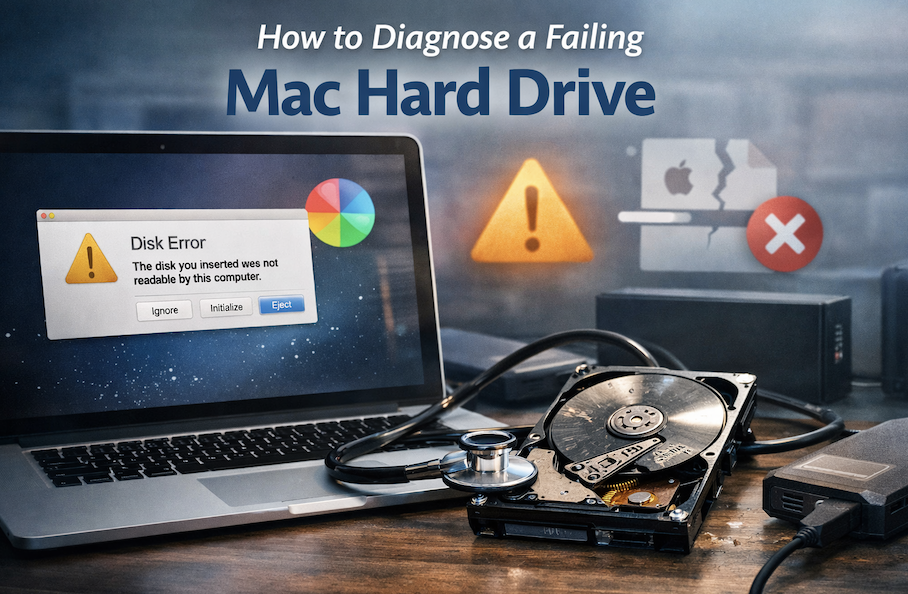
A slow or unstable Mac can be frustrating—especially when you rely on it for work, school, or creative projects. While software issues are often the culprit, a failing hard drive (or SSD) is one of the most serious problems your Mac can face. Catching the signs early can help you back up your data and […]






