
How to Protect Your Apple Devices from Theft
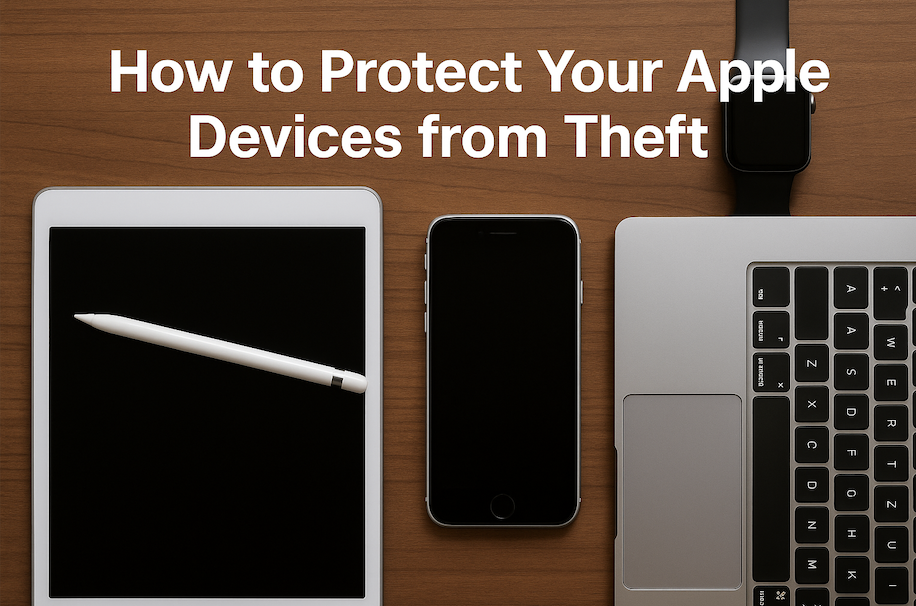
Apple devices are some of the most sought-after tech in the world—not just by fans of great design and performance, but unfortunately, also by thieves. Whether it’s your iPhone, iPad, MacBook, or Apple Watch, these gadgets carry high resale value and personal data that can be difficult—or even dangerous—to lose. If you’ve ever had a […]
Teaching Digital Classes Using iPad & Apple Pencil
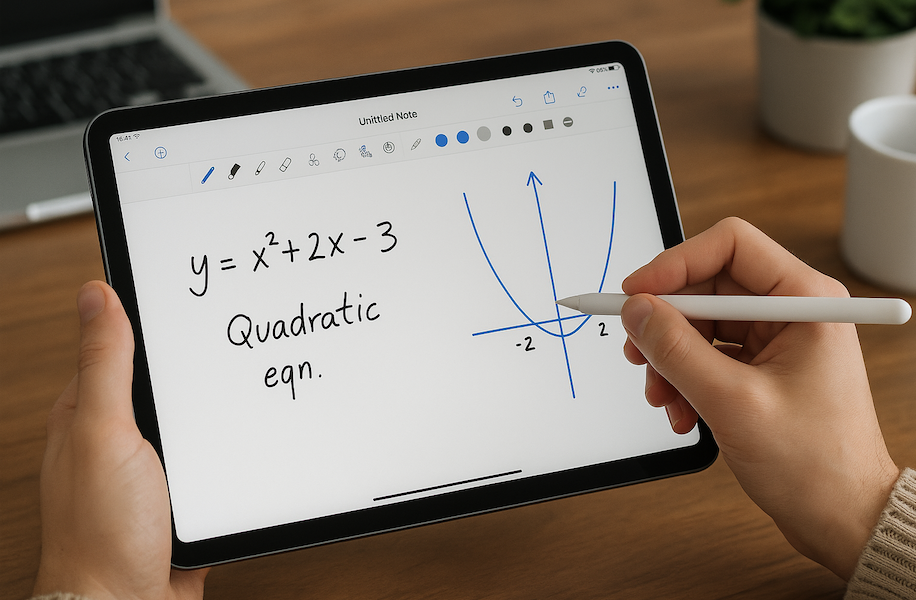
In today’s fast-changing digital world, the way we teach and learn is evolving—and Apple is right at the center of that transformation. If you’re an educator or content creator looking to simplify your workflow, improve classroom engagement, or just make your lessons more interactive and accessible, teaching digital classes using an iPad and Apple Pencil […]
Replacing Broken iPhone Buttons or Mute Switch
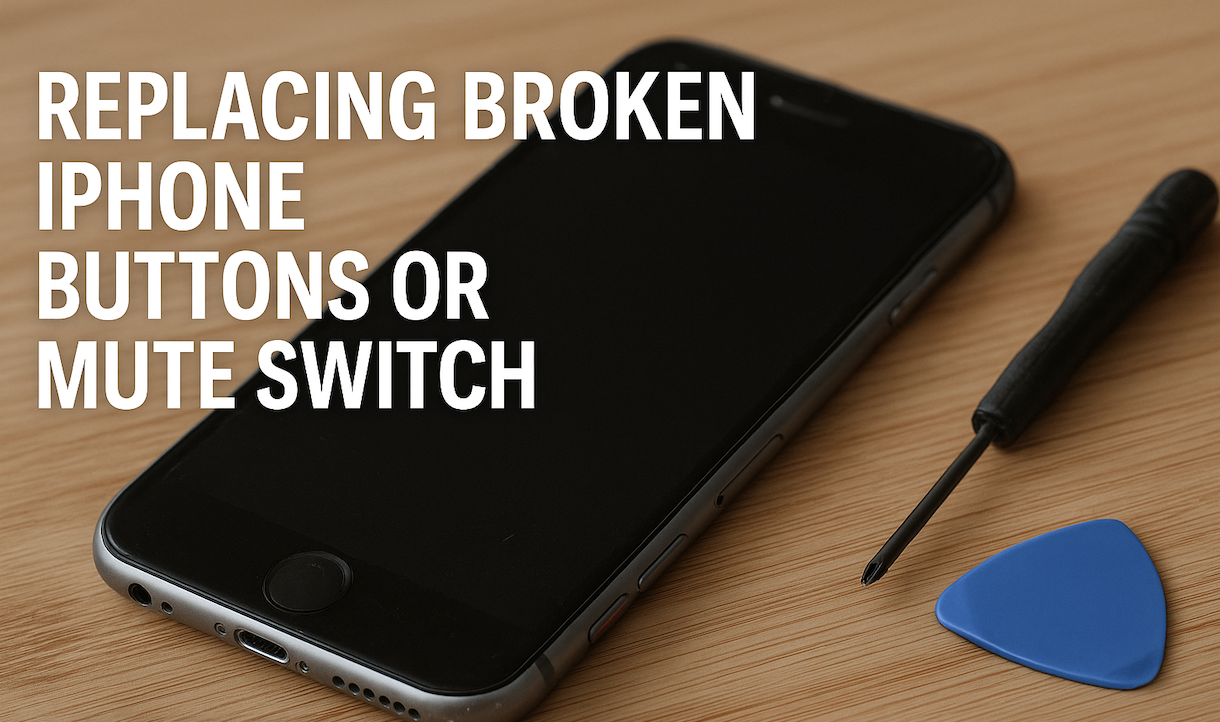
We rely on our iPhones for nearly everything—from daily communication to staying productive and entertained. So when something as simple (yet essential) as a broken button or a faulty mute switch happens, it can quickly become a major inconvenience. Whether your power button isn’t responding, your volume buttons are stuck, or your mute switch is […]
What to Do If Your MacBook Isn’t Turning On
There’s nothing more frustrating than pressing the power button on your MacBook… and nothing happens. No chime, no Apple logo, no light – just silence. Before you panic or start googling for a new one, take a deep breath. Sometimes the fix is easier than you think. Here’s a simple guide to help you figure […]
How to Secure Your Mac from Malware & Viruses

When it comes to security, Macs have long held a reputation for being safer than other computers. But that doesn’t mean they’re immune. As Macs grow more popular, so do the threats targeting them—ranging from annoying adware and browser hijackers to dangerous malware and ransomware. So, if you’re a Mac user, staying proactive about your […]
How to Check Apple Serial Numbers & Warranty Locally
Whether you just bought a new Apple device or you’re considering a pre-owned one, checking the serial number and warranty status is a smart move. It helps confirm the authenticity of your device and shows if it’s still under Apple’s warranty or eligible for support. Here’s how you can easily check your Apple serial number […]
How to Set Up HomeKit with Your Apple Devices
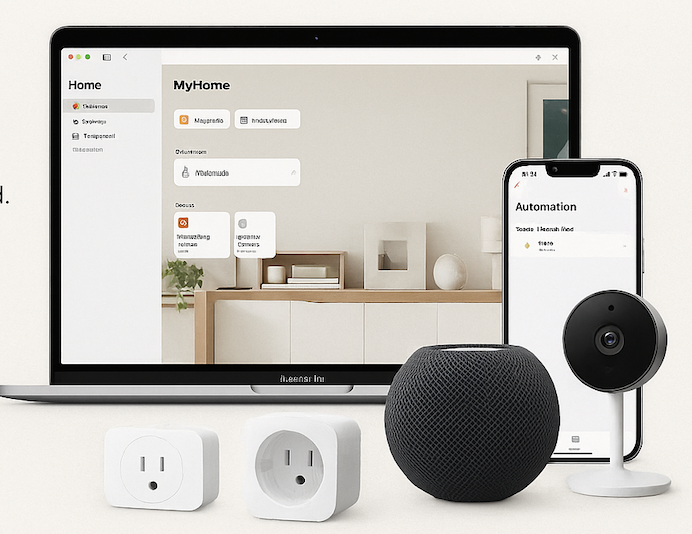
Imagine walking into your home and having the lights turn on automatically, your thermostat adjust to the perfect temperature, and your favorite playlist start playing—without lifting a finger. That’s the magic of Apple HomeKit, Apple’s smart home platform that brings automation, security, and convenience to your fingertips. If you’re an Apple user, setting up HomeKit […]
Sharing Printers & Scanners Across Apple Devices
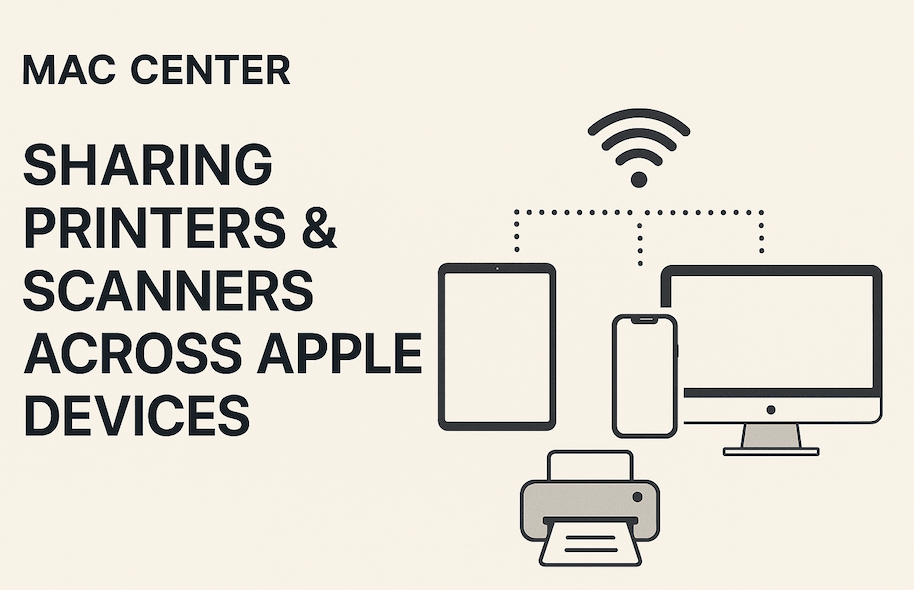
In today’s connected world, convenience matters—and Apple gets that. One of the best examples of this seamless ecosystem is how easy it is to share a single printer or scanner with multiple Apple devices, whether you’re at home or in the office. Whether you’re printing from a MacBook in the study, scanning a document from […]
How to Tell If Your iPhone Battery Needs Replacing
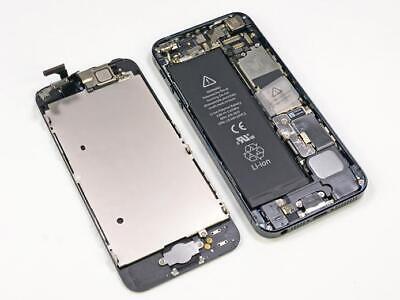
Your iPhone is a powerhouse — but even powerhouses slow down when their batteries start to age. Over time, your battery’s performance naturally declines, and that can affect everything from how long your phone lasts during the day to how fast it runs. So how can you tell when it’s time to stop charging and […]
How to Manage iMessage Storage Bloat
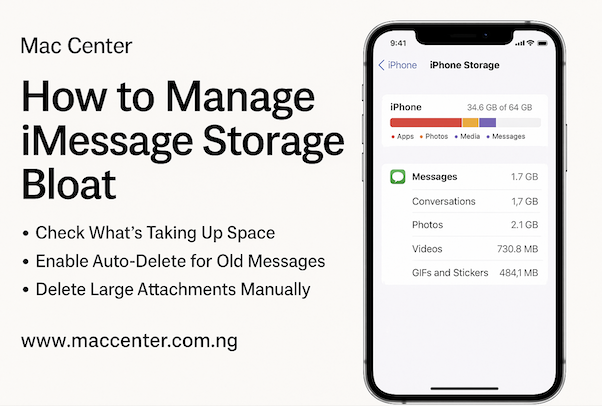
If your iPhone suddenly feels sluggish, or you’re constantly getting that dreaded “Storage Almost Full” notification, your iMessage app could be a sneaky culprit. iMessage is great for staying in touch, but over time, all those photos, videos, voice notes, and GIFs you share with friends and family can start piling up — quietly eating […]






