
Top Apple Pencil Tricks for Digital Artists
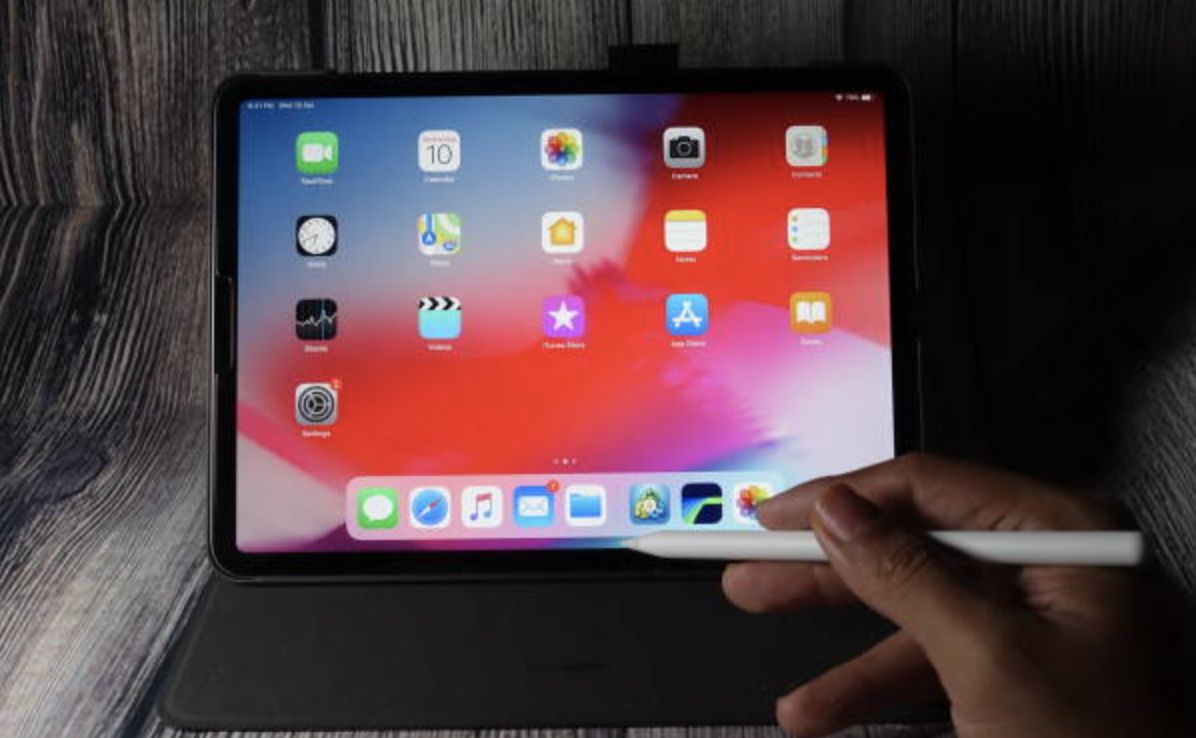
For digital artists, the is more than just a stylus—it’s a creative companion. Whether you’re sketching, painting, or editing photos, it opens up new ways to work with precision and fluidity. But many artists only scratch the surface of what it can do. If you want to make the most of your creative sessions, here […]
iMac vs MacBook: Best Option for Work-from-Home Professionals
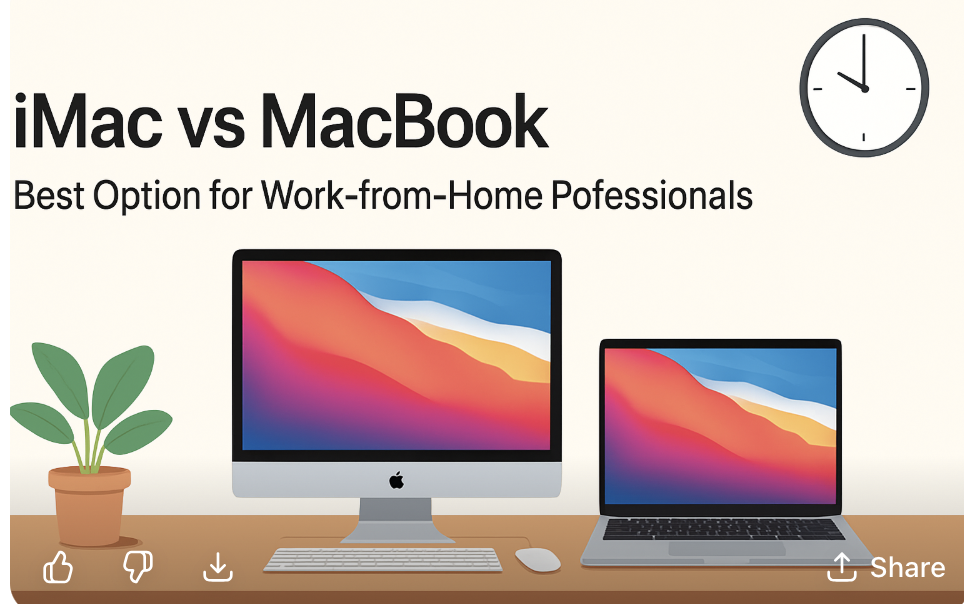
Working from home has become the new normal for many professionals, and choosing the right Apple device can make a huge difference in productivity and comfort. Two of the most popular options are the iMac and the MacBook. Both are powerful, sleek, and reliable, but each comes with unique strengths. If you’re deciding which one […]
Setting Up macOS Security Features

Your Mac is a powerful tool—whether you’re using it for work, school, or personal projects, keeping it secure should always be a top priority. Fortunately, Apple has built macOS with strong security features designed to protect your files, your data, and your privacy. The best part? Many of these tools are already built in; you […]
iPad Mini vs iPad Air: Which Tablet Is Best for Students?
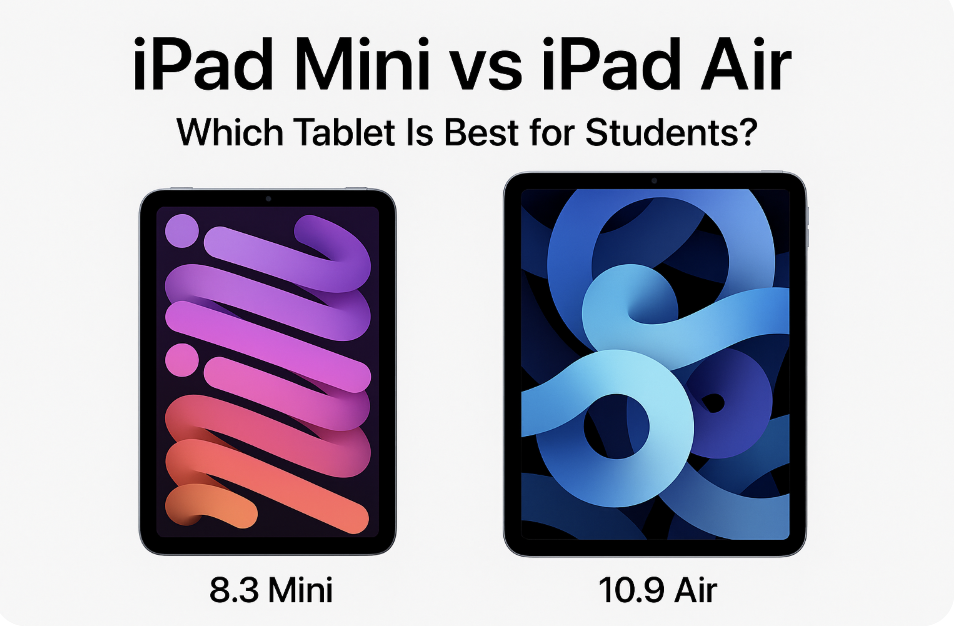
For students, having the right device can make all the difference. Whether it’s for taking notes in class, doing research, or relaxing with a Netflix binge after exams, Apple’s iPad lineup offers plenty of options. Two of the most popular choices are the iPad Mini and the iPad Air—but which one is the better pick […]
Installing and Configuring AirPods with All Your Devices
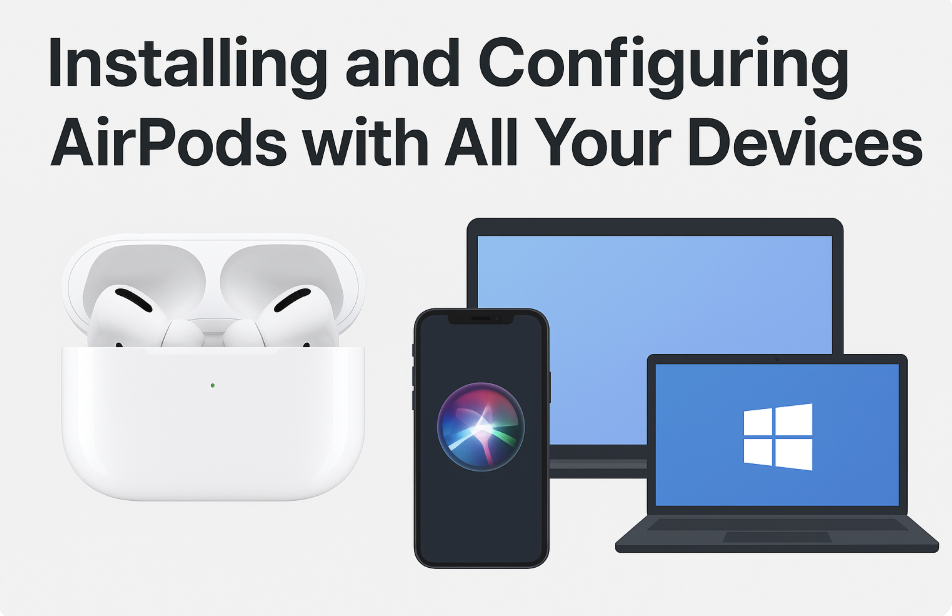
Apple’s AirPods are designed to make wireless listening simple and seamless across your devices. Whether you’re pairing them with an iPhone, iPad, Mac, or even a Windows PC, getting started is quick and easy. In this guide, we’ll walk you through how to install and configure your AirPods so you can enjoy crystal-clear sound everywhere […]
How to Set Up a New Mac in Under 15 Minutes
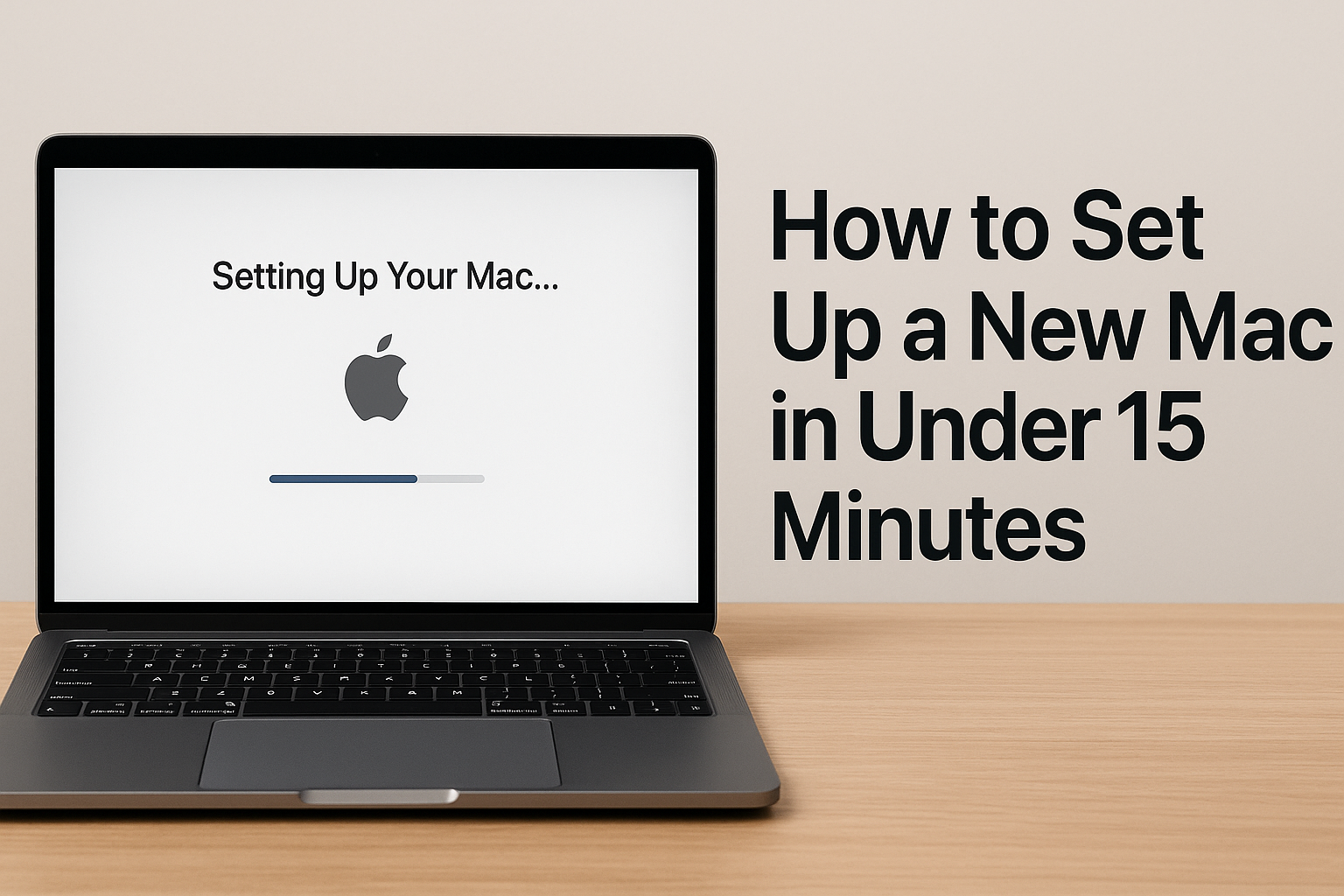
Getting a new Mac is exciting — the sleek design, the speed, the crisp display. But before you dive into work, browsing, or entertainment, there’s one important step: setting it up. The good news? You don’t need to spend hours tweaking settings. With just a few key steps, you can have your new Mac ready […]
iPhone Battery Health: What’s Normal and What’s Not
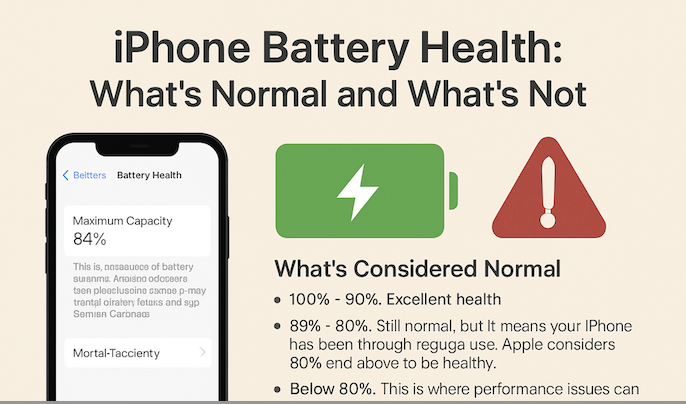
If you’ve owned your iPhone for a while, chances are you’ve peeked at the Battery Health section in Settings and wondered: Is my battery still okay? You’re not alone. Battery health has become one of the most talked-about features on iPhones, especially since Apple introduced it to give users more transparency about their device’s performance. […]
How to Use Focus Modes Effectively on iOS
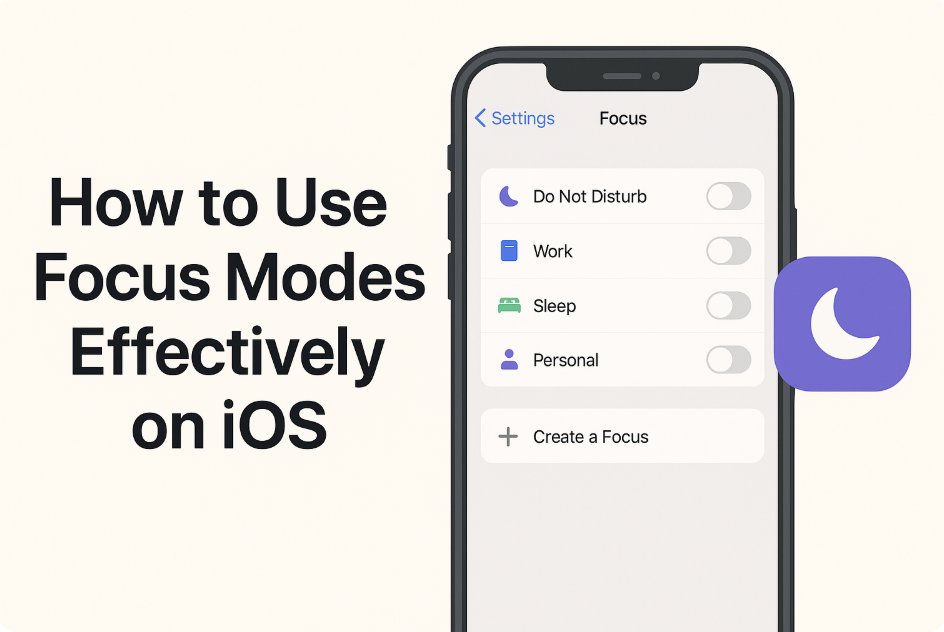
Staying focused in today’s world can feel like an uphill battle. Between constant notifications, buzzing group chats, and apps begging for attention, it’s easy to get distracted. Apple recognized this struggle and introduced Focus Modes on iOS to help you take control of your time and attention. Whether you’re working, studying, relaxing, or just trying […]
How to Run Windows on a Mac in 2025
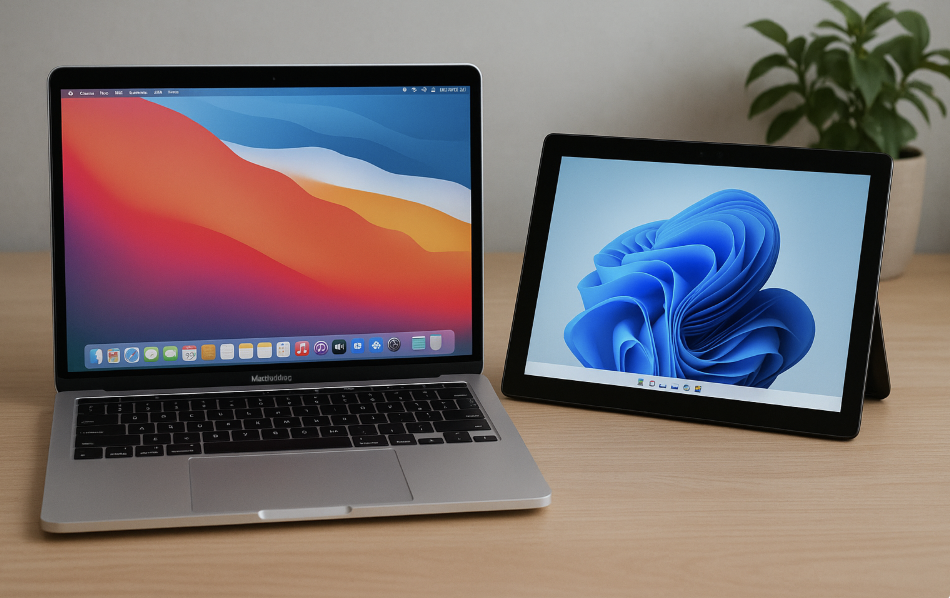
For years, Mac users have enjoyed Apple’s sleek design, smooth performance, and intuitive macOS experience. But every now and then, you might find yourself needing Windows—whether it’s for a specific app, a game, or work-related software that just isn’t available on Mac. The good news? In 2025, running Windows on a Mac is easier and […]
iPhone Camera Tips for Stunning Photos
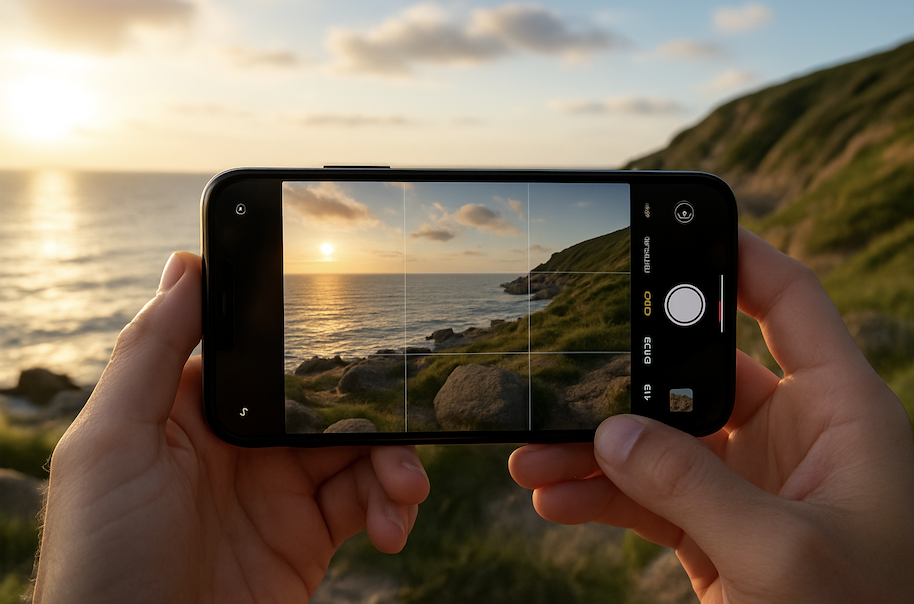
Your iPhone isn’t just a phone—it’s one of the most powerful cameras you can carry in your pocket. Apple has packed incredible photography technology into the iPhone, making it possible to capture professional-quality shots without carrying around bulky gear. But to truly unlock the potential of your iPhone’s camera, a few simple tricks can make […]






